
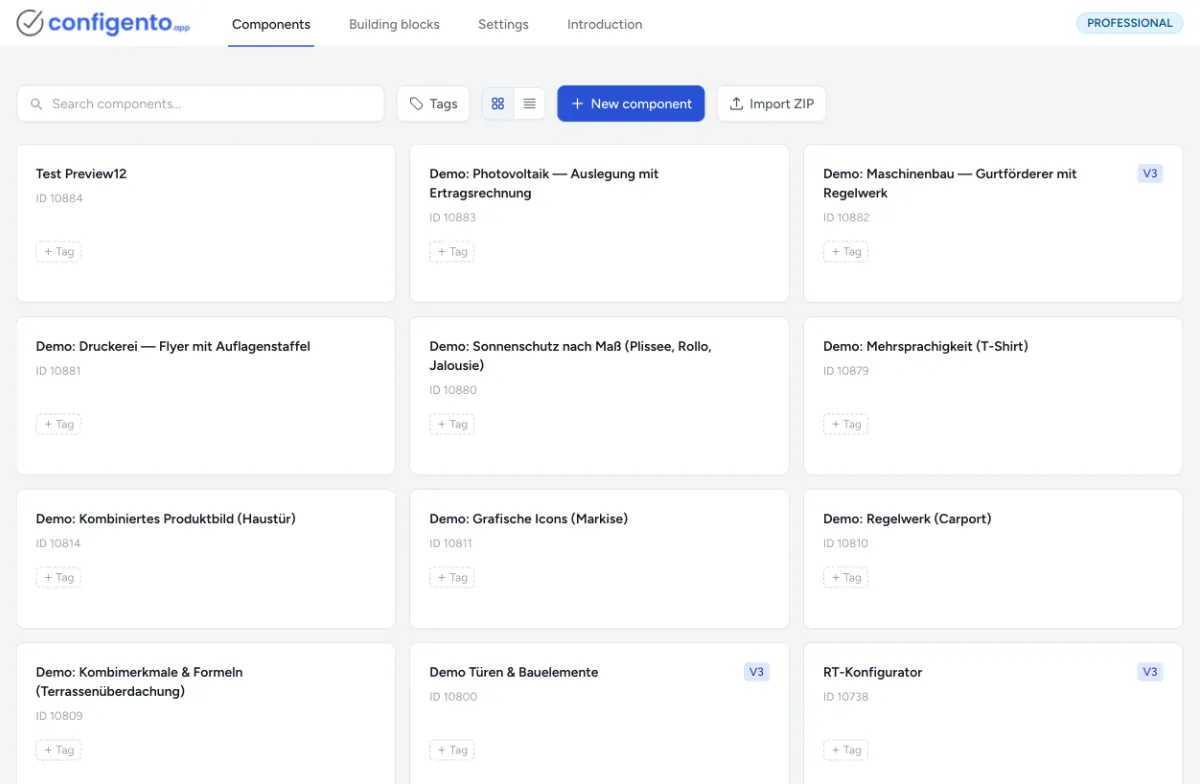
Many manufacturers and trade businesses don't sell through a classic webshop but through their WordPress website. If you offer awnings, carports, doors or machines made to measure, you know the problem: prospects send a contact form asking "How much is it?", and your sales team first has to ask for dimensions, colours and features by email. A configurator turns this around: visitors put their product together themselves, see the price instantly and send you a complete enquiry.
With configento.app, this works on any WordPress page today. And for WooCommerce shops, we are launching a dedicated plugin in Q4 2026.
Why a configurator belongs on your WordPress website
- Complete enquiries instead of follow-up questions: Required fields and rules make sure every enquiry contains everything you need for a quote.
- Price visible instantly: Surcharges, price matrices from Excel or your own formulas – visitors see what their configuration costs with every selection.
- Only feasible variants: The rule engine hides what doesn't fit together. Impossible combinations never reach your sales team.
- Around the clock: Prospects configure in the evening or at the weekend – without waiting for a call back.
- Automatic PDF quote: If you like, prospects receive their quote straight away as a PDF by email.
More on this use case on the quote configurator page.
How the configurator gets onto your WordPress page today
You don't need a plugin. configento.app is embedded with an HTML snippet – a <script> tag and a <div>:
- Build the configurator: In configento.app you create characteristics, values, prices and rules – by drag & drop or with the AI assistant – and publish the component.
- Copy the snippet and allow your domain: Generate the snippet under Settings → Integrations and enter your website under Settings → Domains.
- Paste it into WordPress: In the block editor, add the Custom HTML block and paste the snippet into it. With a page builder, use its HTML element.
This works with any theme. What to watch out for with user roles, caching and optimisation plugins and multilingual websites is described in the guide Embedding the Configurator in WordPress.
What the configurator can do on your website
- Real-time prices from surcharges, Excel and CSV price matrices and formulas
- Rule engine for dependencies, presets and notes
- Combined product image that is reassembled from image layers with every selection
- Multilingual, optionally with a language selection for visitors
- Action button that sends the enquiry by email, creates a PDF quote or passes the configuration to your own URL – with a captcha against spam
- Styling with CSS, so the configurator matches your theme
The doors demo shows how it feels: choose type, material, dimensions and colour, see the guide price, request a PDF quote.
WooCommerce: plugin in Q4 2026
If you sell through WooCommerce, the configuration shouldn't end in an enquiry but in the cart. For this, we are launching a dedicated WooCommerce plugin in the fourth quarter of 2026 – just as configento.app already exists for Magento, Shopware, Shopify and PrestaShop:
- The configurator appears right on the WooCommerce product page.
- When the item is added to the cart, the price is verified on the server, not in the browser. What ends up in the cart cannot be manipulated.
- The configuration is shown in the cart, the order and the order email.
Until then, you can also use the snippet in a WooCommerce shop, in the product description for example – as an enquiry tool. It only adds the configuration to the cart once the plugin is available.
Who it pays off for
A configurator pays off wherever products need explaining or are made to measure: sun protection, doors and windows, carports and garages, furniture, mechanical and plant engineering, print products. WordPress websites are especially common in exactly these industries – and that's exactly where every incomplete enquiry costs time.
Frequently asked questions
Do I need a plugin? Not for WordPress pages: the HTML snippet in the "Custom HTML" block is enough. For the WooCommerce cart, our plugin follows in Q4 2026.
Does it work with my theme or page builder? Yes. The snippet is normal HTML code and works with any theme and any page builder that has an HTML element.
What does it cost? The HTML snippet is already included in the Basic plan from €49 per month (plus VAT). You can try everything free for 14 days, no credit card required. All plans are on the pricing page.
Can I maintain the configurator myself? Yes. You maintain characteristics, prices and rules in the visual admin interface of configento.app – without programming skills. Changes appear on your website as soon as you publish them.
Everything about WordPress and WooCommerce at a glance: WordPress product configurator. Or try free for 14 days right away.